Glowing Rainbow Bookmark
Exclusive still open
$49

The 1024×1024 App Store Connect wants, prepared the way it wants it.
$49 flat · instant download · commercial licence included



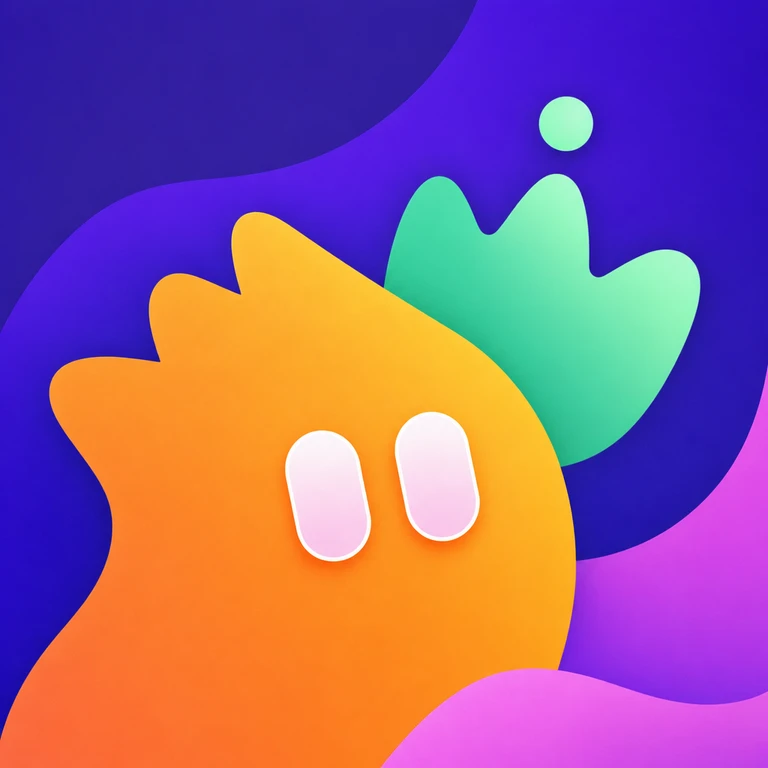
The App Store icon is a 1024×1024 PNG with no alpha channel and no rounded corners of its own. Apple applies the mask — an icon that arrives with the corners already rounded gets dark wedges baked into the artwork, which is the single most common reason a submission comes back.
Every file in an IconSpot archive is flattened, opaque sRGB and full-square for exactly that reason. The rounded plate you see on the product page is presentation; the file you download is the raw square.
Open Assets.xcassets, select the AppIcon set and drop the 1024×1024 PNG onto the App Store slot. Modern Xcode generates the smaller sizes from that single asset, so there is nothing else to fill in. Build, then look at it on a device home screen before you submit — 60 points is the size that tells you the truth.
The smaller PNGs in the archive are there for the places Xcode will not generate for you: a marketing site, a press kit, a favicon, a desktop build.
Layered Icon Composer sources, and separate dark or tinted variants, are not part of the archive — what you get is the flat artwork at every size. If your app needs the layered treatment, the 1024 is a solid base to build it from, but you will be doing that step yourself.
You could make one yourself. The annoying part — trying, discarding, and preparing the survivor for the stores — is already done.